Free download · PDF, 3 pages, 118 KB
AODA Website Accessibility Checklist
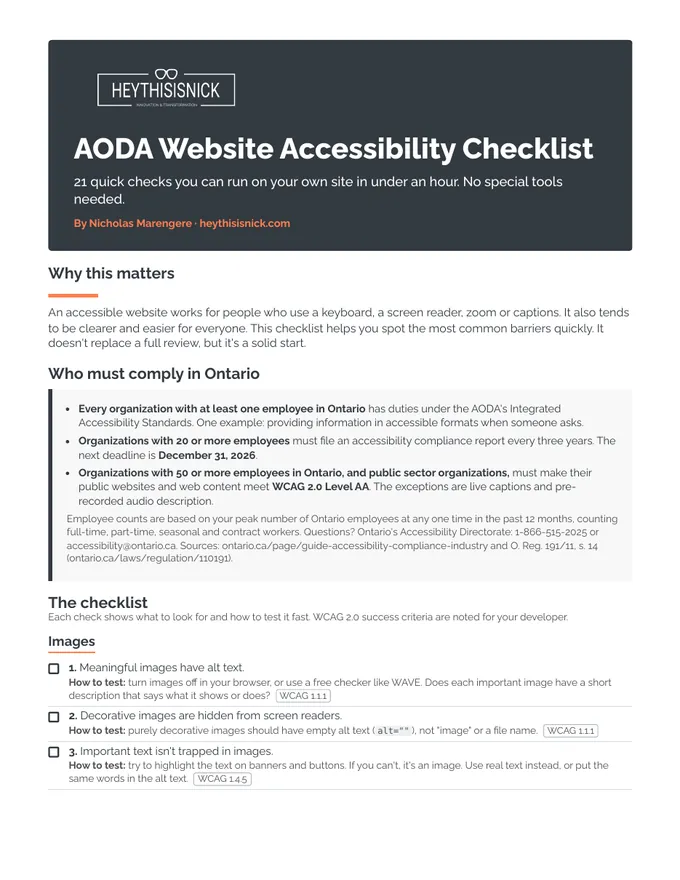
21 quick checks you can run on your own site in under an hour. No special tools needed. By Nicholas Marengere.
Why this matters
An accessible website works for people who use a keyboard, a screen reader, zoom or captions. It also tends to be clearer and easier for everyone. This checklist helps you spot the most common barriers quickly. It doesn't replace a full review, but it's a solid start.
What's inside
- Images (3 checks)
- Headings and structure (3 checks)
- Keyboard (4 checks)
- Forms (3 checks)
- Colour and contrast (3 checks)
- Video and audio (2 checks)
- Documents and PDFs (1 check)
- French and language (2 checks)
Who must comply in Ontario
- Every organization with at least one employee in Ontario has duties under the AODA's Integrated Accessibility Standards, such as providing information in accessible formats when someone asks.
- Organizations with 20 or more employees must file an accessibility compliance report every three years. The next deadline is December 31, 2026.
- Organizations with 50 or more employees in Ontario, and public sector organizations, must make their public websites meet WCAG 2.0 Level AA, except live captions and pre-recorded audio description.
Get your free copy
Enter your details and you'll go straight to the download.
Want a second set of eyes?
Get a free Accessibility Snapshot
An automated first look at one key page of your site, with the top issues in plain language, within 24 hours.
Get your free SnapshotThis checklist is general information to help you spot common website accessibility barriers. It isn't legal advice, and it isn't a full WCAG audit. Passing these checks doesn't mean your site conforms to WCAG 2.0 Level AA or meets every AODA requirement. For advice about your legal obligations, consult a lawyer or contact Ontario's Accessibility Directorate. Information current as of November 2026.